

Display
Licensing
NextNote Display includes a free trial period. This page explains how trial and full licenses work.
Trial Period
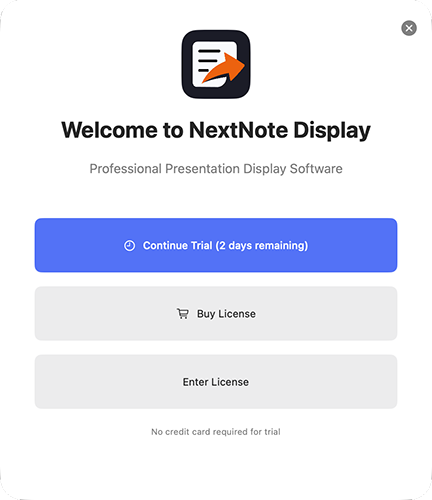
NextNote Display launches in trial mode when first installed. The remaining trial days are shown when the app first launches and also in the title bar.
The trial is fully functional — all features are available during the trial period with no limitations but outputs may be watermarked.
Activating a License
1
Buy a license
Visit www.nextnote.co.uk and purchase a license. You will receive the license key by email.
2
Enter your key
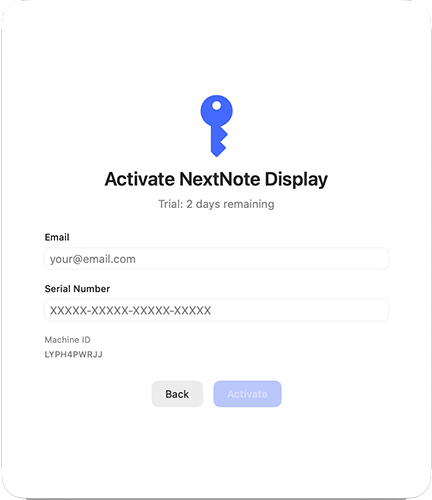
Click Enter License, paste your license key and click Activate. An internet connection is required for activation.
License Types
| Type | Machines | Notes |
|---|---|---|
| Event | 1 machine | Tied to one device. Transferable via the user portal. Runs for 14 days |
| Perpetual Pro | 1 machine - never expires | Ideal for graphics operators. Managed via the user portal. |
| Production Company | Multi-seat, renewable yearly | Ideal for corporate deployment, production companies or AV suppliers. Unlimited events with priority support. |
Managing Your License
Log in to the NextNote user portal to view activated machines or manage licenses.