

Display
Timer Controls
Start, pause and adjust the active presenter countdown during a live presentation.
Start and stop the timer
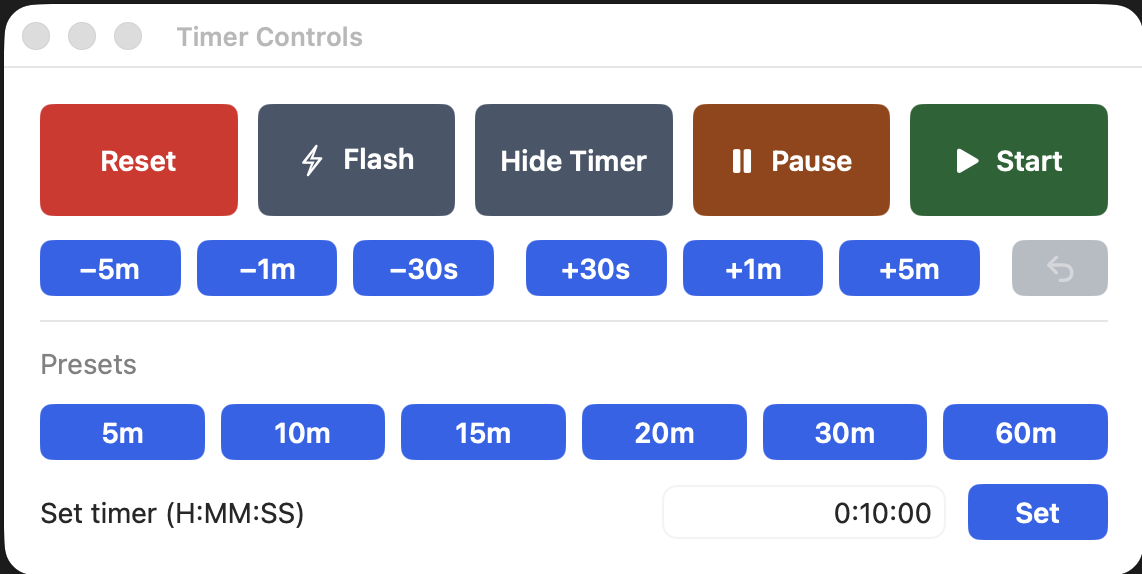
Use Start to begin the countdown and Pause to hold it at its current value. Reset returns the timer to its configured starting value.
Adjust the time
Use the quick-adjust buttons to subtract or add 30 seconds, 1 minute or 5 minutes. The undo button reverses the last adjustment when available.
Use presets or enter a time
Choose a preset such as 5, 10, 15, 20, 30 or 60 minutes, or enter an exact duration in hours, minutes and seconds and select Set.
Other actions
Flash draws attention to the timer at the current time. Hide Timer temporarily removes it from the configured output without stopping the countdown.