


Slide Control
Multiple Targets
Send presentation commands to multiple PowerPoint and Google Slides Helpers simultaneously.
Command Targets
Clicking the target icon opens the Command Targets popover. It lists every available PowerPoint and Google Slides Helper and lets you choose which Helpers receive Slide Control commands.
Different Helper types can be selected together, allowing presentations on multiple machines to be controlled from one Display.
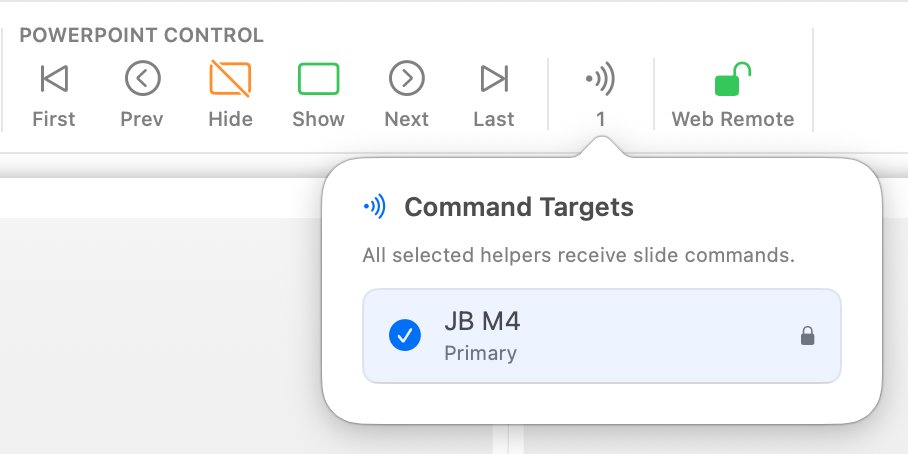
Target Roles
| Role | Indicator | Behaviour |
|---|---|---|
| Active | Highlighted card | The Helper currently supplying content to the Display. |
| Selected target | tick | Receives Slide Control commands. |
| Not selected | Empty circle | Remains available but does not receive Slide Control commands. |
Auto Failover and Targets
When Auto Failover is enabled in Settings, the Display automatically promotes the Backup Helper to Primary if the Main disconnects. The Command Targets list updates to reflect the new active Primary.